
Tax Deadlines and Quarterly Payments Explained
Miss a tax deadline? It's stressful. This guide covers the key dates for Calgary freelancers and how quarterly payments actually work.
Read MoreStart tracking income properly from day one. We'll walk through the spreadsheet setup that takes 20 minutes but saves hours of confusion later.

Author
Editorial Team
Written by the GigFlow editorial team, focused on practical, honest guidance for freelancers managing their side hustle finances.
You're making money. That's the hard part. Now comes the part nobody talks about — knowing where it actually went.
Most freelancers wing it for the first few months. They think they're doing fine until tax season arrives and they realize they've got nothing documented. We've seen it happen. It's messy.
The good news? Setting up a proper revenue tracking system doesn't require accounting software or a degree. It takes 20 minutes, a spreadsheet, and a clear system. That's it. Once it's done, you'll actually know where your money came from every month.

Don't overthink this part. You've got two solid options, and both work fine.
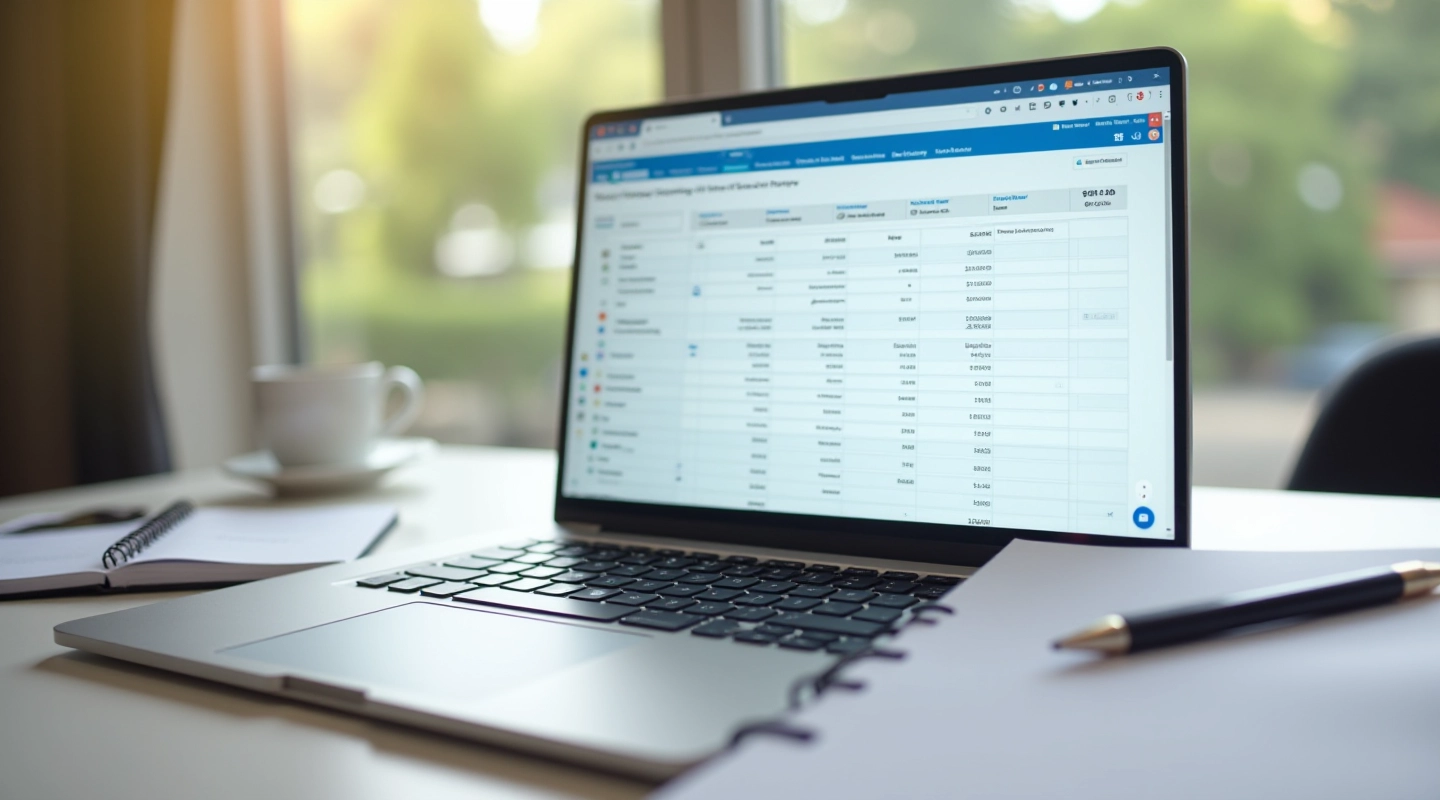
A spreadsheet is simple. Google Sheets is free, you can access it from your phone, and you don't need anyone's permission to set it up exactly how you want. Most freelancers start here because there's no learning curve — you already know how to use a spreadsheet.
Apps like Wave or FreshBooks do more heavy lifting for you. They'll auto-categorize expenses, generate reports, and prep data for taxes. But they cost money (though Wave has a free tier). Pick a spreadsheet if you're just starting out. You can always upgrade later.
Pro tip: Don't get stuck choosing. Pick one, use it for 30 days, then decide if you need something fancier. Most people stick with their first choice.

Your spreadsheet needs exactly four columns. No more, no less. Keep it simple — complexity kills tracking.
When you received the money or invoice was paid.
Who paid you. Use consistent names so you can spot patterns.
The dollar figure. Before tax, before any deductions.
What the work was. "Logo design," "Writing blog post," "Consulting call" — be specific.
That's it. Don't add columns for tax percentages or profit margins yet. Get the basics down first. You can build on this later.

Here's where most people mess up. They think they'll remember to update the spreadsheet at the end of the month. They won't.
Set a calendar reminder for every Friday. Takes five minutes. You'll remember the invoices you got paid for this week. You'll know exactly how much came in. You'll spot client delays immediately instead of wondering about them three months later.
After a month of weekly entries, you'll have a real picture of your cash flow. You'll see which clients pay fast, which ones are slow, and whether your income is actually consistent or wildly unpredictable. That's when things click into place.
Minutes per week to update
Columns to track
Spreadsheet to manage

You don't need a perfect system. You need a working one. Create that spreadsheet today, add your recent invoices, and set that Friday reminder. That's genuinely all it takes to go from "I think I made money" to "I know exactly how much I made and when."
After three months of consistent tracking, you'll have real data. You'll know your average monthly income, your slowest months, and which clients are your bread and butter. That's when you can start making actual decisions about pricing, project selection, and planning ahead.
It's not glamorous. But it works. And it's yours to keep.
This article is educational only and is not financial or investment advice. Outcomes are not guaranteed and may vary. Consult a tax professional or accountant for guidance specific to your situation.
Miss a tax deadline? It's stressful. This guide covers the key dates for Calgary freelancers and how quarterly payments actually work.
Read More
The percentage question every gig worker asks. We'll show you the calculation method that actually works for your income level.
Read More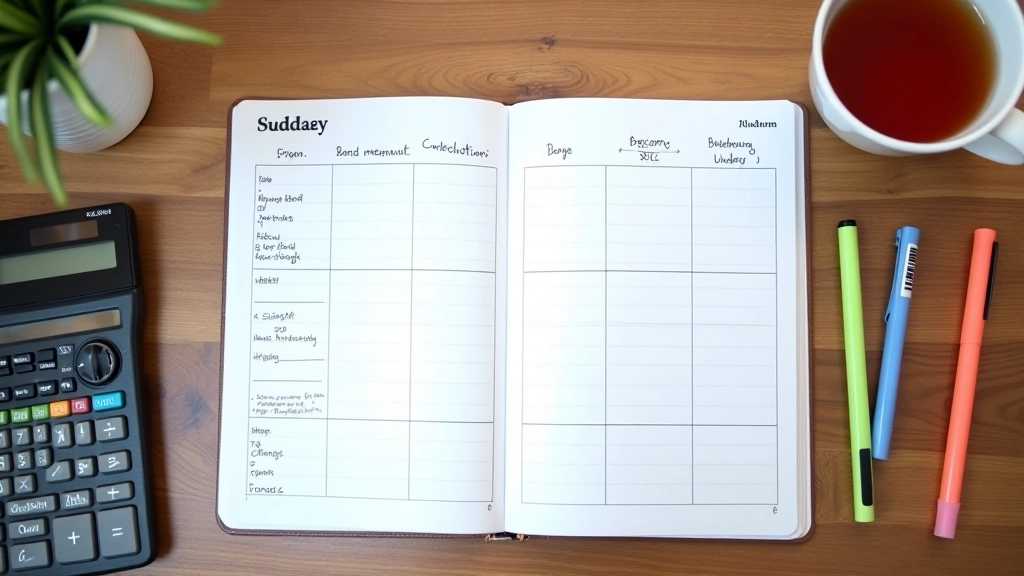
Stop living paycheck to paycheck. Learn how to predict your cash flow three months ahead so you're never caught off guard.
Read More